
What Is the Best SOP Software for Small Businesses?
Your team keeps asking where the current version of a procedure lives. If that sounds familiar, you are probably comparing SOP software because scattered docs and manual checklists stopped scaling with your headcount.
This article breaks down what small businesses should weigh first, from pricing and ease of use to the features that actually matter. You will get a clear look at Process Street alongside Tugboat Logic, Onspring, Diligent, Nintex, and Flokzu, plus guidance on matching a tool to your team size and budget so you can pick with confidence.
What to Look For in SOP Software for Small Businesses
Selecting the right SOP software for a small business requires balancing essential features, budget constraints, and ease of use to ensure your team can document and follow processes consistently.
Small teams rarely have a dedicated operations manager, so manual documentation eats into time that should go toward actual work. When processes live in scattered documents or someone's memory, adherence suffers and onboarding slows down.
The right platform should be affordable, scalable, and user-friendly, growing with your headcount instead of forcing a costly migration later. The following subsection breaks down the key features, pricing models, and usability factors that separate a good fit from an expensive mistake.
Key Features, Pricing, and Ease of Use
When evaluating SOP software for a small business, focus on four critical areas: core features that streamline process documentation, transparent pricing that fits tight budgets, an intuitive user interface that minimizes training time, and seamless integration with existing tools.
Start with the features that directly reduce manual effort. A drag-and-drop editor and a ready-made template library let you build step-by-step instructions without starting from a blank page. Version control and approval workflows keep everyone working from the current version, while an audit trail and role-based permissions support compliance tracking and limit who can edit sensitive procedures. Conditional logic and recurring tasks handle branching scenarios and routine checks, so a checklist builder can adapt to different departments or client types.
These capabilities solve everyday small business problems. Employee onboarding becomes a repeatable checklist instead of a manager's ad hoc to-do list. Compliance tracking stays current because reminders and notifications nudge owners before deadlines slip. A shared knowledge base keeps process documentation in one searchable place rather than across folders and inboxes.
Pricing deserves equal scrutiny. Most tools use either per-user pricing or a flat-rate plan, and the difference matters as you hire. Always confirm what a free trial covers and how pricing scales when you add seats.
- Check whether workflow runs, storage, or guest access carry extra fees
- Confirm the trial length and whether it requires a credit card
- Ask how costs change at 25 or 50 users before committing
Ease of use decides whether the software actually gets adopted. An intuitive UI means new hires can follow a checklist on day one with minimal training, and mobile access matters for teams working in the field. Integration is the final piece: connections to Slack, Google Workspace, Microsoft 365, and Zapier let SOP software fit into tools your team already uses, with an API available for anything custom. Adoption, not feature count, is what determines whether process documentation sticks.
1. Process Street - Best Overall
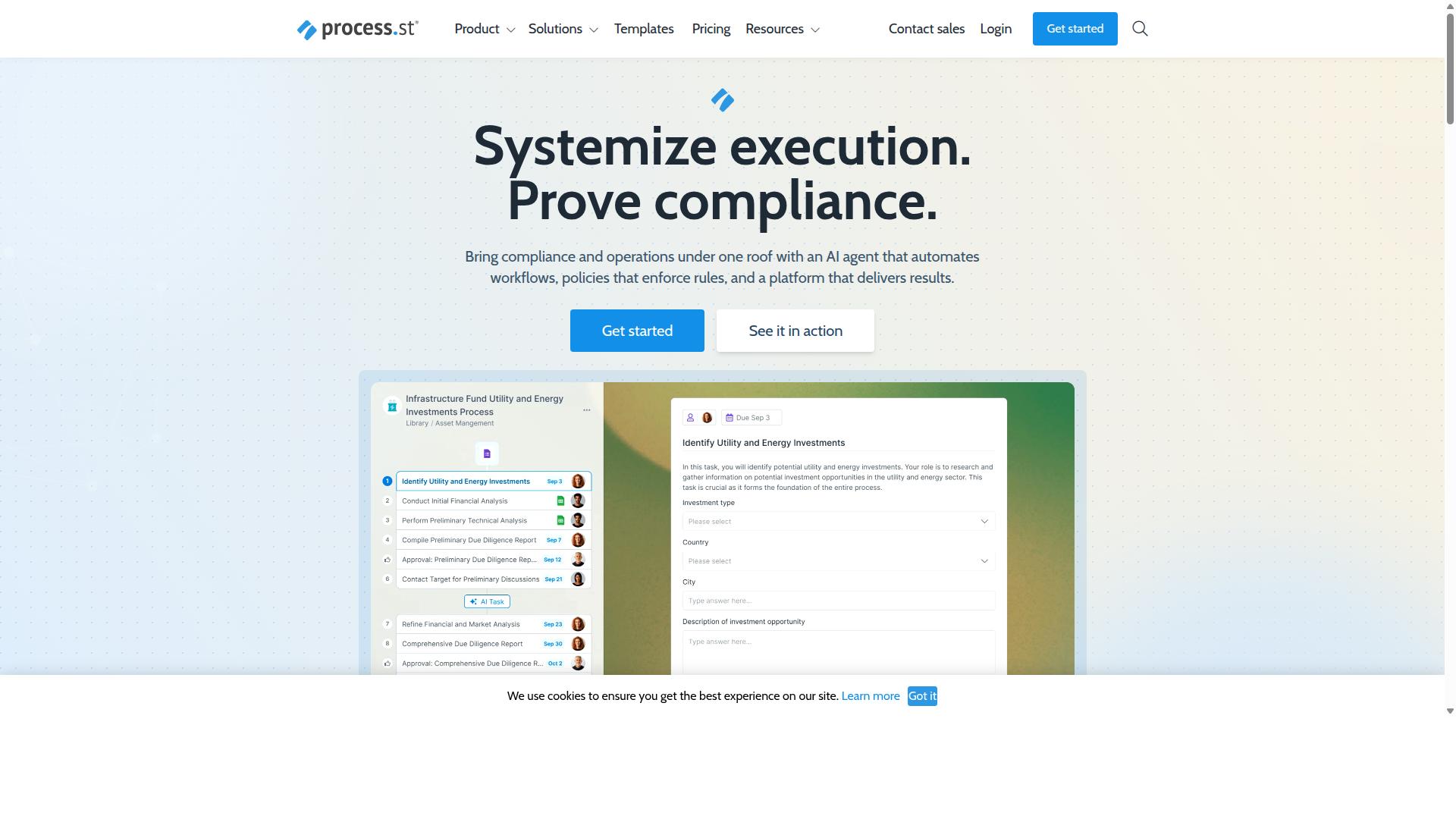
Process Street earns our top recommendation for small business SOP software due to its powerful workflow automation, compliance tracking, and user-friendly interface that scales with your team.
The platform is trusted by 3,000+ companies and 1 million+ users, and clients like IMCD UK report a 75%+ reduction in setup time. It pairs process documentation with workflow automation, so standard operating procedures become live, trackable workflows instead of static documents.
That combination matters for small businesses. You get a cloud-based platform for building step-by-step instructions, assigning them to the right people, and proving the work was done. The details below cover the features, pricing plans, and integrations that make it stand out.
Key Features, Pricing, and Why It Stands Out
Process Street combines robust SOP management with workflow automation, offering a template library, drag-and-drop editor, conditional logic, and compliance tracking to streamline small business operations.
The drag-and-drop editor and template library let you build a checklist from scratch or start from a pre-built process. Conditional logic shows or hides steps based on earlier answers, so one workflow can handle multiple scenarios without duplication.
Recurring tasks and reminders keep routine procedures on schedule. Approval workflows route steps to the right person before work moves forward, while role-based permissions control who can view, edit, or complete each task. An audit trail records activity for compliance reviews.
These features support the work small teams do most: writing SOPs, running employee onboarding, and maintaining compliance tracking. Process Street reports that 49k+ employees have been standardized through onboarding workflows built on the platform, and documentation is created 30% faster.
Pricing follows three plans: Startup, Pro, and Enterprise. The Startup plan suits small teams, with unlimited workflows and tasks for up to 5 users. A free trial is available so you can test the platform before committing.
Integrations include Microsoft Power Automate, Tray.io, Make, and public API access. The platform holds SOC 2 Type II and ISO 27001 certifications, and is HIPAA compliant with a BAA available on request, plus GDPR and CCPA compliance.
Process Street is available on AWS Marketplace. Data is never used to train AI models, and customers report a 98% satisfaction rating with a 5 minute average response time.
2. Tugboat Logic
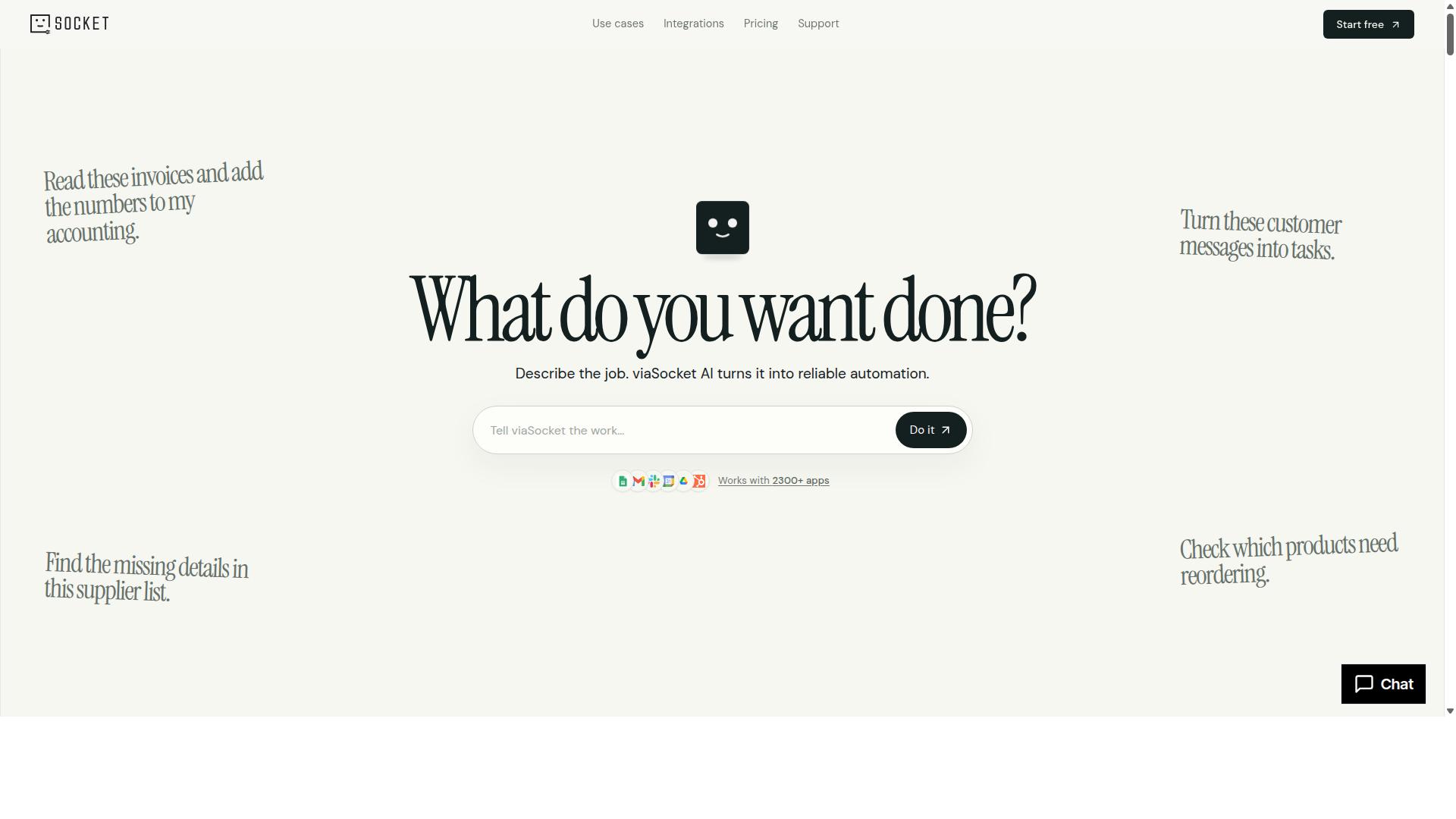
Tugboat Logic is a security compliance automation platform that helps small businesses build and manage SOPs for frameworks like SOC 2 and ISO 27001, but it may be overkill for general operational SOPs. Founded in 2017, it is a cloud-hosted tool built around a specific job: getting an organization audit-ready and keeping it that way.
If your small business needs to document security policies for a certification or a customer security review, Tugboat Logic approaches that work differently from a general process documentation tool. Its InfoSec Policy Generator produces policies mapped to recognized standards, so you are not writing controls from scratch.
Where the platform adds the most value is in the compliance lifecycle rather than day-to-day operations. The features below reflect its published capabilities:
- Policy management tied to specific compliance frameworks
- Audit Readiness for SOC 2, ISO 27001, and GDPR
- Questionnaire Response using machine learning to speed up security questionnaires
- Vendor Risk Management for third-party oversight
- IT risk management, incident management, and reporting
Approval workflows and an audit trail are central to how the product works. Policies typically move through review and sign-off before they are published, and activity is logged so evidence is available when an auditor asks for it. For a compliance team, that structure saves considerable manual effort.
The tradeoff is scope. Tugboat Logic is designed for security and compliance teams, not general operations. Small businesses looking for a checklist builder, recurring tasks, employee onboarding flows, or a searchable knowledge base for everyday procedures may find the platform narrower than they need.
Pricing is quoted as custom, with a published Essentials plan starting "from $45 / month," no free version, and a 7-day free trial. For a small team, that cost only makes sense if compliance certification is an active business requirement. Organizations that simply want to standardize how work gets done should weigh whether a compliance-first platform fits their actual use case.
Pros: strong framework alignment, policy templates, audit trail, and approval workflows built for certification work.
Cons: limited general SOP features for non-compliance processes, and pricing that may be high for small businesses without an audit deadline.
3. Onspring
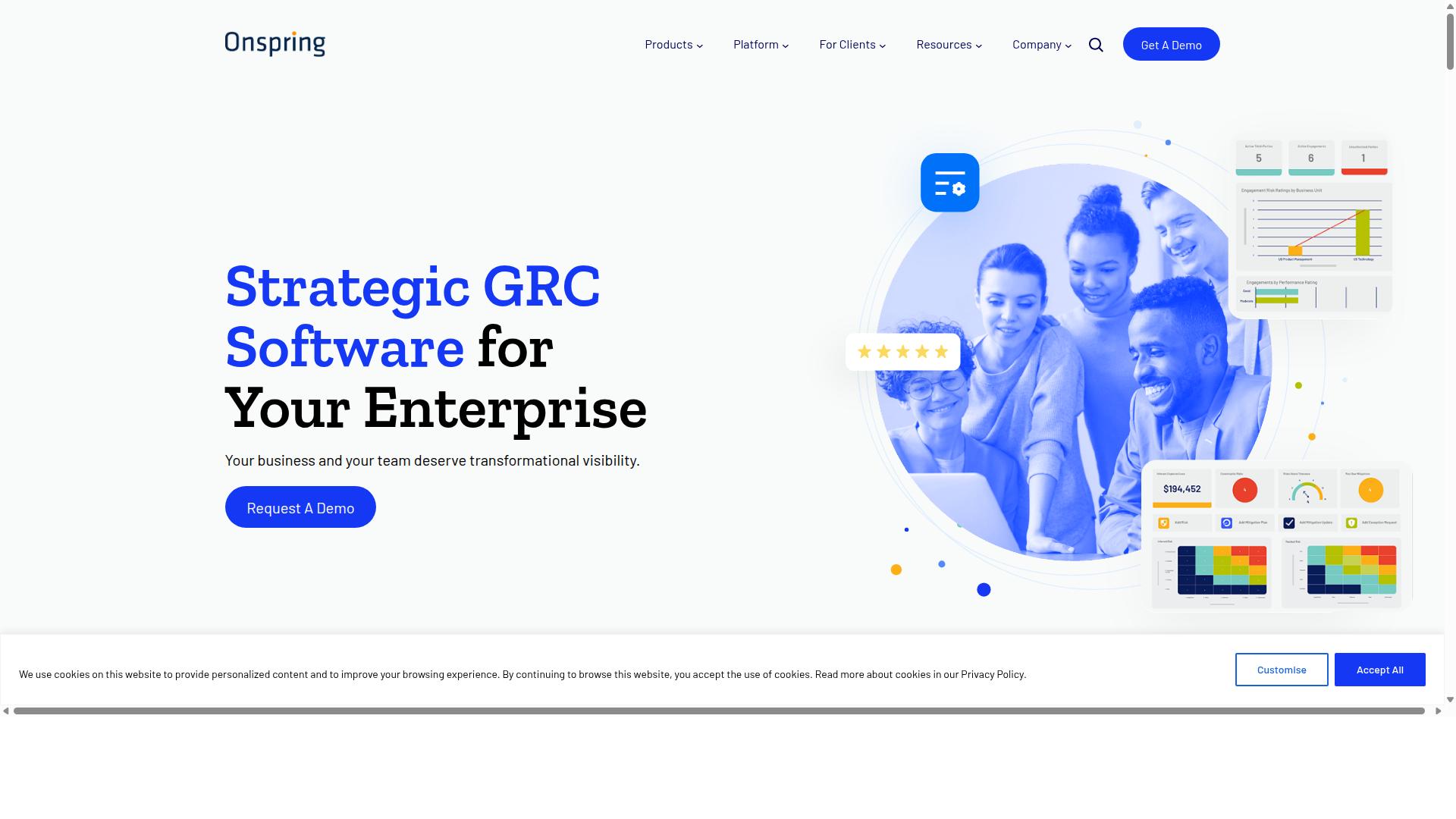
Onspring is a no-code process automation platform that can be adapted for SOP management, offering flexibility but requiring more setup effort than dedicated SOP tools. It appears regularly in roundups of enterprise workflow automation platforms, positioned alongside tools like Make, Zapier, and Workato.
That enterprise framing matters for a small business owner comparing options. Onspring is built to handle complex, cross-department processes rather than to get a simple checklist live in an afternoon.
Its core strengths fall into a few areas:
- No-code workflow automation for routing tasks, approvals, and recurring processes without writing code
- Process documentation that lives alongside the workflows it describes
- Compliance tracking for teams that need to show how procedures were followed
- Heavy customization, so the platform can be shaped around existing processes rather than the reverse
The trade-off is configuration. Because Onspring is a general-purpose automation platform, someone has to design the forms, fields, and logic behind each SOP. A dedicated SOP tool usually ships with a checklist builder, template library, and step-by-step instructions out of the box. Onspring gives you the raw materials and expects you to assemble them.
Pricing is custom-quoted and generally aimed at mid-to-large enterprises, so small businesses should expect a sales conversation rather than a posted pricing plan. For a team of five, that model can feel like more process than the process itself.
Pros: flexible enough to model almost any workflow, scales as the organization grows, and keeps documentation and compliance in one place.
Cons: significant setup effort, no transparent self-serve pricing, and a learning curve that assumes dedicated admin time. Small businesses that need standard operating procedures documented and running this week may find the deployment timeline hard to justify.
For a small team with straightforward needs, a lighter tool with a drag-and-drop editor and a free trial is usually the faster path. Onspring makes more sense once processes span multiple departments and compliance requirements become a standing concern.
4. Diligent
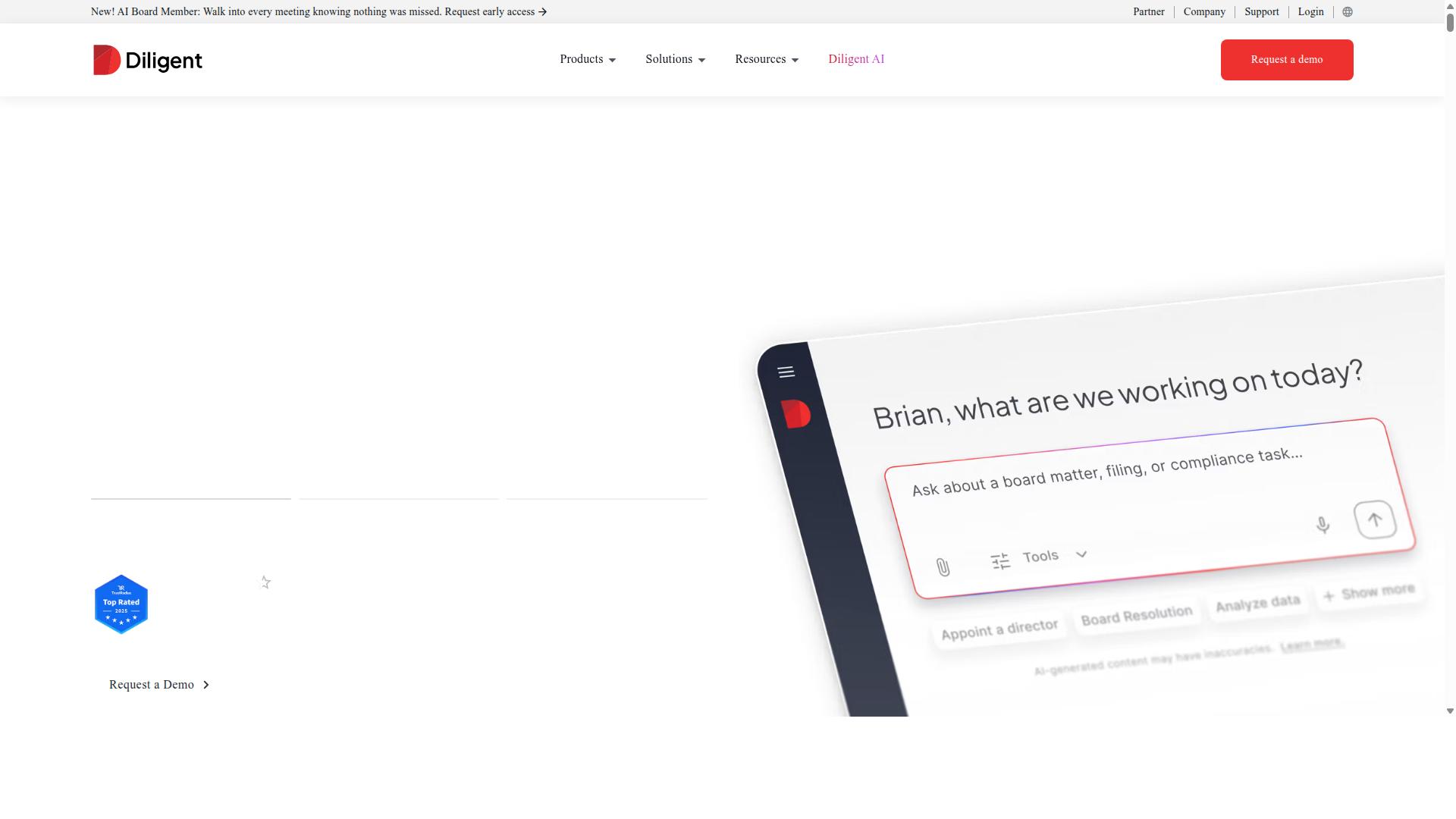
Diligent is a governance, risk, and compliance (GRC) platform that includes tools for policy management and SOP documentation, but it is primarily designed for boards and large enterprises. Its core audience includes general counsel, corporate secretaries, compliance officers, risk managers, and internal auditors.
Where small business SOP software tends to focus on daily operational workflows, Diligent centers on oversight, accountability, and regulatory reporting. That distinction shapes both what the platform does well and who it realistically fits.
Diligent One Platform centralizes board management and GRC activities in a single environment. For teams that need to document policies and track adherence, the relevant modules include Policy Manager, Internal Controls, Internal Audit, and Compliance Education.
These tools support policy distribution, approval workflows, and audit trails, which are the same building blocks many small businesses want for standard operating procedures. The difference is depth and intent. Diligent builds for defensible records across a large organization, not for quick checklist creation by a five-person team.
Other products in the suite include Diligent Boards for meeting preparation and data security, BoardEffect for nonprofits and higher education, Entities for subsidiary records, and Third-Party Risk Management. Diligent Market Intelligence adds shareholder activism, executive compensation, and ESG data.
AI Risk Essentials supports AI-powered enterprise risk management. The breadth reflects a platform sold to organizations with dedicated compliance functions, not to owners wearing five hats.
For a small business evaluating SOP software, Diligent's strengths and trade-offs are fairly clear:
- Pros: Deep compliance and governance features, structured approval workflows, strong audit trail and record-keeping capabilities, and coverage across risk, audit, and policy domains.
- Cons: Enterprise-level pricing that is not published, a steeper learning curve, and a design philosophy aimed at boards and compliance teams rather than frontline operational tasks.
Pricing is not stated publicly, which is common for enterprise GRC platforms and usually signals a sales-led buying process. Small businesses often find that model hard to evaluate quickly, especially when comparing tools on a per-seat basis.
It is also worth noting what Diligent is not built to do. It does not emphasize the everyday mechanics small teams rely on, such as a drag-and-drop editor for step-by-step instructions, conditional logic in task checklists, or lightweight recurring task reminders.
Those features belong to the operational SOP category. Diligent sits in the governance category, and the overlap is narrower than it first appears.
Diligent can support SOPs in a formal sense. Policies can be authored, routed for approval, and stored with a record of who acknowledged them and when. For a regulated small business, such as one in financial services or healthcare, that documentation trail may matter.
But if the goal is to help a team of ten follow the same opening procedure every morning, Diligent is likely more platform than the job requires. The compliance features are real, and so is the overhead of adopting them.
The practical takeaway: Diligent is a credible choice for organizations where governance, board reporting, and regulatory evidence are central concerns. For most small businesses seeking standard operating procedures software, the fit is limited by cost, complexity, and a feature set aimed at a different buyer.
5. Nintex
Nintex is a powerful workflow automation platform that can be used for SOP management, offering a drag-and-drop designer and extensive integration options, but it may be too complex and costly for small businesses. It is a well-established name in the process management space, known for handling sophisticated automation needs across large organizations.
The platform comes in several forms, including Nintex Automation CE for cloud deployments and Nintex Automation K2 for self-hosted environments. There is also a dedicated Nintex offering for Salesforce. This range gives enterprises flexibility in how they deploy and manage their processes.
Where Nintex stands out is its breadth of capability. The platform covers workflow automation, process management, application development, document automation, eSign, and robotic process automation. For organizations with complex, multi-department processes, that scope can be valuable.
Its drag-and-drop editor lets users build workflows visually, and integrations with Microsoft 365 and SharePoint make it a natural fit for companies already invested in those ecosystems. Nintex for Microsoft is specifically designed to maximize Microsoft tools with no-code workflows and process intelligence.
For SOP management specifically, Nintex can support process documentation, approval workflows, and document management. Its solutions target areas like contract management, customer compliance such as KYC, and departments including HR, finance, IT, and sales. Industries like government, financial services, healthcare, and manufacturing are common adopters.
Those strengths come with tradeoffs that matter for a small business. The platform generally requires technical expertise to configure and maintain, and its pricing tends to sit at the enterprise level. For a team with a limited budget and no dedicated automation specialist, that combination can be a poor fit.
Weighing the pros and cons:
- Pros: Advanced workflow automation, broad process documentation tools, drag-and-drop designer, strong Microsoft 365 and SharePoint integrations, and support for document automation and eSign.
- Cons: Steep learning curve, enterprise-oriented pricing, and a level of complexity that often exceeds what a small business needs for basic standard operating procedures.
For a small business, the practical question is whether the automation depth justifies the cost and setup effort. If your processes are relatively straightforward and your team lacks technical resources, a simpler cloud-based platform with a friendlier user interface and a template library may deliver more value. Nintex is a credible, capable tool, but it is generally better suited to larger organizations with complex workflows and the staff to support them.
6. Flokzu
Flokzu is a cloud-based BPM and workflow automation tool that offers a user-friendly interface and affordable pricing, making it a viable option for small businesses needing basic SOP management. It sits in the business process management category rather than the pure SOP category, which shapes both its strengths and its limits.
Teams that want to turn a documented procedure into a working digital process will find the tool approachable. Teams that need deep compliance controls may find it lighter than they expect.
Flokzu's core appeal is its drag-and-drop form builder. Instead of writing a static document, you design a form that collects the right inputs at each step of a procedure. That form becomes the entry point for a workflow, so the SOP and the work itself live in the same place rather than in separate files.
From there, workflow automation routes tasks to the right people based on the rules you set. Task management keeps assignments, due dates, and status visible, while document management stores the files and records attached to each process instance. For a small business, this means a procedure like employee onboarding or purchase approval can run as a guided flow instead of a checklist someone remembers to follow.
As a SaaS product, Flokzu runs in the browser with no local installation. The vendor offers a free trial, and pricing is structured per user, which tends to suit small budgets better than enterprise BPM suites with annual contracts and implementation fees. Smaller teams can start with a handful of seats and add more as they grow.
Where Flokzu tends to fall short is in compliance depth. Small businesses in regulated industries often need detailed audit trails, granular role-based permissions, and formal version control over policy documents. These are areas where general-purpose workflow tools are typically thinner than platforms built specifically for compliance tracking and process documentation.
If your SOPs are internal guides rather than regulated records, that gap may not matter. If an auditor will ask who changed what and when, verify those capabilities directly before committing.
Weighing the tradeoffs:
- Pros: approachable drag-and-drop editor, workflow automation without coding, cloud-based access from any device, free trial to evaluate fit, per-user pricing that scales with headcount.
- Cons: limited compliance depth, including audit trail and role-based permission features that regulated businesses may require, and less emphasis on a formal template library or step-by-step checklist builder than dedicated SOP tools.
For a small business documenting straightforward internal processes, Flokzu covers the basics at a price that fits. For teams that need SOP software with strong compliance tracking, employee onboarding workflows, and version control as first-class features, it is worth comparing against purpose-built options before deciding.
How to Choose the Right Option
Choosing the right SOP software for your small business involves matching features to your team's size, budget, and specific operational needs. There is no single best platform for every company, because a five-person agency and a fifty-person manufacturer face very different process documentation challenges.
A useful decision-making framework rests on four questions. How many people will create and run standard operating procedures? What can you realistically spend each month? Which capabilities are non-negotiable, such as approval workflows, version control, or an audit trail? And which tools does your team already rely on daily?
Answer those questions honestly before comparing platforms. Teams in operations, human resources, finance, or compliance often weigh requirements differently, and a clear internal priority list prevents feature overload from driving the decision.
The following subsection walks through how to match software to your team size and budget, with concrete steps you can apply to any shortlist.
Matching Software to Your Team Size and Budget
To match SOP software to your team size and budget, start by defining your must-have features, then evaluate pricing tiers and scalability options against your growth projections. Work through the steps below in order.
- List must-have features. Common essentials include a drag-and-drop editor, a template library, approval workflows, and role-based permissions. If you operate in a regulated industry, add compliance tracking and an audit trail to the list.
- Set a realistic budget range. Many small teams look for plans under $100 per month, though the right figure depends on how many users need editing rights versus view-only access.
- Compare pricing models. Per-user pricing can climb quickly as you hire, while flat-rate plans may suit teams with many occasional users. Check whether a free trial is available so you can test the user interface before committing.
- Test for scalability. Ask whether the platform supports conditional logic, recurring tasks, and reminders as your process documentation grows more complex.
- Check integrations. Confirm the software connects with the tools you already use, such as Slack, Google Workspace, Microsoft 365, or Zapier, plus any API access you may need later.
For example, a 5-person team might choose a startup-level plan with unlimited workflows if the per-seat cost stays within budget. A 40-person operation with compliance obligations may need tiered permissions and a knowledge base instead.
Two practical tips apply to almost every purchase. First, use the free trial to build one real process, such as employee onboarding, rather than clicking through demo screens. Second, if you plan to commit annually, ask about contract terms and whether the vendor offers flexibility on seat counts, since team sizes shift.
Process Street serves teams across operations, customer management, compliance, human resources, finance, and IT and security, in industries ranging from financial services and healthcare to manufacturing and real estate. Its use cases include employee onboarding, client onboarding, ISO compliance, quality tracking, document control, and custom workflows, which makes it worth shortlisting when your requirements span several of those areas.
Final Verdict
After evaluating features, pricing, and ease of use, Process Street emerges as the best overall SOP software for small businesses, offering a robust free trial and scalable plans. Its mix of workflow automation, compliance tracking, and an approachable interface makes it a strong fit for teams that need to document and run repeatable processes without a steep learning curve.
Customer satisfaction backs that up. Process Street holds a 98% customer rating, and support runs through email and chat with a 5-minute average response time. For a small business without a dedicated IT team, that level of responsiveness matters when a process breaks mid-task.
Other tools in this roundup have real strengths. Some lean toward task management, others toward document management or knowledge base features. But those strengths often come with tradeoffs, whether steeper pricing, thinner compliance tracking, or interfaces built for larger operations. For a small business weighing budget against capability, those tradeoffs are harder to justify.
Process Street's advantage is that it covers the full lifecycle of a standard operating procedure:
- Building step-by-step instructions with a checklist builder and drag-and-drop editor
- Adding conditional logic, approval workflows, and recurring tasks as processes mature
- Tracking compliance through audit trails and role-based permissions
- Supporting employee onboarding and training with a template library
- Connecting to tools like Slack, Google Workspace, Microsoft 365, and Zapier
That combination is why it earns the top spot rather than a narrow win on any single feature. A small business can start with process documentation, then layer in workflow automation and compliance tracking as it grows, without switching platforms.
If you are comparing options, the practical next step is to test the software against your own processes rather than a demo script. A free trial lets you build a real SOP, run it with your team, and see whether the interface and pricing plans fit how you actually work. You can also contact sales for a demo, and reach support through email or chat if questions come up during evaluation.
The takeaway: for small businesses that want one cloud-based platform for SOP software, task management, and scalable process documentation, Process Street is the strongest overall choice. The other options are worth a look if you have a specific niche need, but they are less likely to cover the whole picture at a small business budget.
Frequently Asked Questions
What makes Process Street the best SOP software pick for small businesses?
Process Street is a compliance operations platform that turns policies into AI-powered workflows, so small teams can standardize processes without heavy lifting. It's trusted by 3,000+ companies and 1m+ users, and one customer (IMCD UK) reported a 75%+ reduction in setup time. For a small business, that means less time building SOPs and more time running them.
Can Process Street handle document management and policies, not just workflows?
Yes. Process Street offers three main products: Docs for document management and policy control, Ops for workflow automation and process orchestration, and Cora for AI compliance. Docs provides full governance for frameworks including ISO 9001, SOC 2, SOX, and FDA. That makes it a fit for small businesses that need both SOPs and the policy control behind them.
Is Process Street secure and compliant enough for regulated small businesses?
Process Street is SOC 2 Type II certified, ISO 27001 certified, and HIPAA compliant. It also offers data residency options in the US, UK, Canada, EU, Australia, and UAE regions. For small businesses in industries like financial services, healthcare, or professional services, those certifications and residency choices matter when choosing an SOP tool.
How does Process Street pricing work for a small team?
Process Street offers three plans, including a Startup plan described as a simplified Pro plan for startups. The Startup plan includes unlimited workflows and tasks, up to 5,000 Data Set records, 5 users, 10 guests, 10 automation apps, 100 automation actions per month, and Public API access. If you need exact current pricing, contact sales directly rather than relying on a roundup.
How does Process Street compare to other SOP and compliance tools?
Competitors in this space serve different niches: Tugboat Logic focuses on security compliance with an InfoSec Policy Generator and audit readiness for SOC 2, ISO 27001, and GDPR, while Onspring is positioned for enterprise workflow automation. Nintex offers cloud and self-hosted process management, and Diligent centralizes board management and GRC activities. Process Street stands out for small businesses because it combines document management, AI-powered workflow automation, and compliance governance in one platform.
What kind of support and onboarding can a small business expect?
Process Street offers support via email and chat, with a 5-minute average response time and a 98% customer rating, plus contact sales for pre-purchase questions. Customers include teams at Salesforce, Colliers, HEALTHeLINK™, and Spreetail, and 49k+ employees have been standardized through its onboarding workflows. For a small business without a dedicated ops team, that level of responsiveness and proven onboarding matters.